The morning started well enough. After designing the ear animatronics until 3 in the morning the previous night, I woke up to a bunch of e-mails and SMSes that announced my aliexpress order will be delivered. Unfortunately, that was my secondary/plan B camera instead of the main one. Fortunately, that’s still enough to do some quick testing.
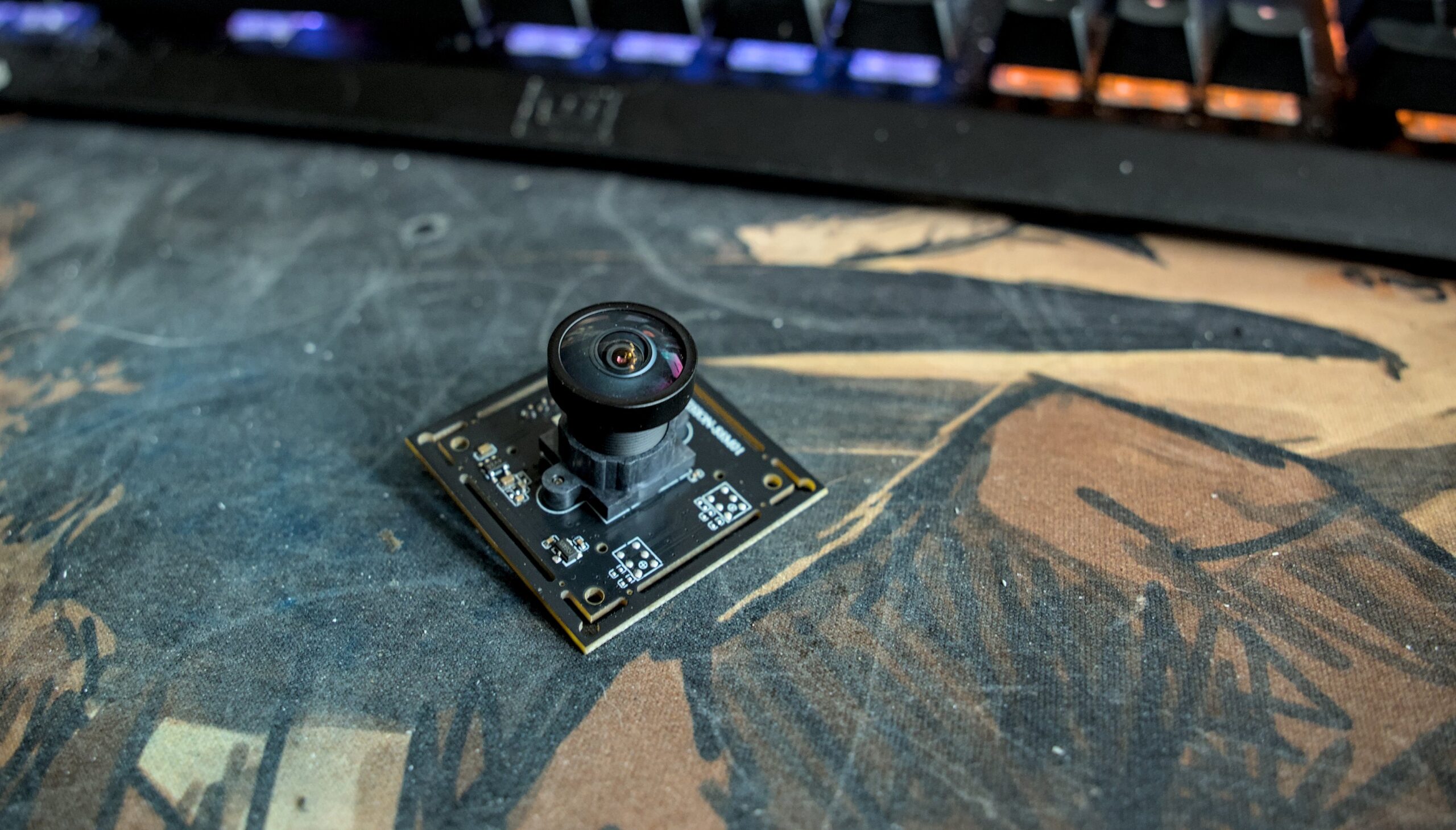
So I connect the camera to my computer with the USB cable, pull up OBS and configure the camera. Obviously, I immediately max it out to see if Xinnie express listing was lying, because 3000-something by 2000-something at 15 fps over USB 2.0 connection seemed a bit like a stretch. And it seems that, sure enough, camera is capable of doing that. Neat.
HOWEVER.
I didn’t buy this camera for it’s too much by too much at 15 fps. I bought it for small by small at 30, or — in case main camera doesn’t show up — 2k30012560×1440 is not 2K. 1920×1080 is 2k, and whoever decided to call 1440p “2k” deserves to be continuously tased for a week, and then shot (repeatedly) if they’re still alive. Last but not least, someone needs to blow up a nuke in the center of a certain O-shaped building in Cupertino so that this kind of thing never ever happens again. because 30fps is the bare minimum for seeing outside.
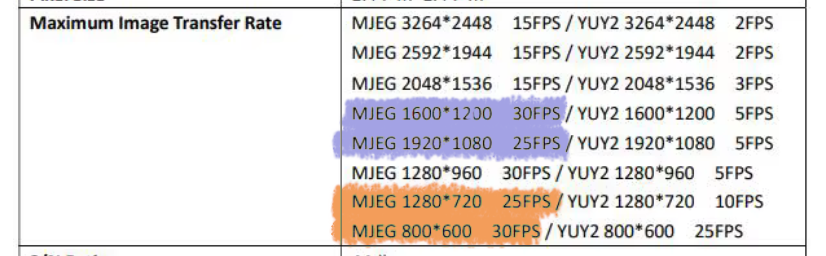
And that’s kinda where we run into problems. Because see, OBS still only gives me 15 fps at 800×600:
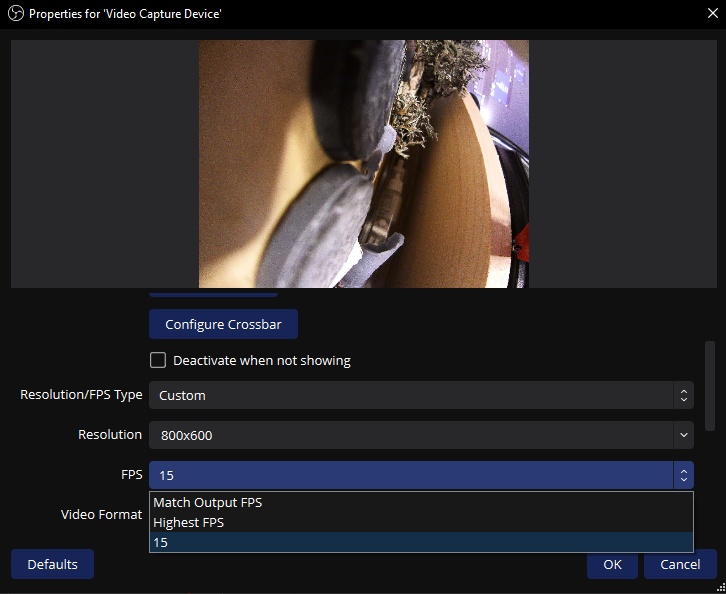
But fine. This camera will only be used to look at the ground. 15fps is serviceable for this purpose. We’ll survive.
However, I’m not gonna be carrying my PC while in the costume. I’m gonna be running the cameras from Steam Deck. Initially, I didn’t intend to use OBS for that. Instead, the options were:
- make a quick HTML layout in Chrome, and stream cameras from that
- ask ChatGPT to give me a light program that displays camera feeds
with both options including some light HUD/UI overlays that would allow me to control what “extras” are running and which ones aren’t. But before we do that, I needed to test if things work — and there’s nothing more handy for that purpose than command line. First results weren’t very encouraging: the command line utility absolutely couldn’t get me anywhere near the advertised resolutions and framerates. For the max resolution, ffplay couldn’t go beyond 2 fps. For 720p, the limit was 10.
This was followed by about 10 minutes of trying to get things to work with a side dish of “holy shit did I just screw myself,” but at the end of the day … if OBS (sorta-)worked on Windows, then surely it has to also work on Linux? This is a lot less sure “yes” as you’d think (problems usually starts not with OBS, which should work similarly on both OSes, but with drivers — and those can be very different between Windows and Linux), but after installing OBS I was getting that sweet sweet 15 fps on Steam Deck as well.
Other than that, the camera is pretty meh. It has poor dynamic range, and is about as bright as it gets in light conditions:
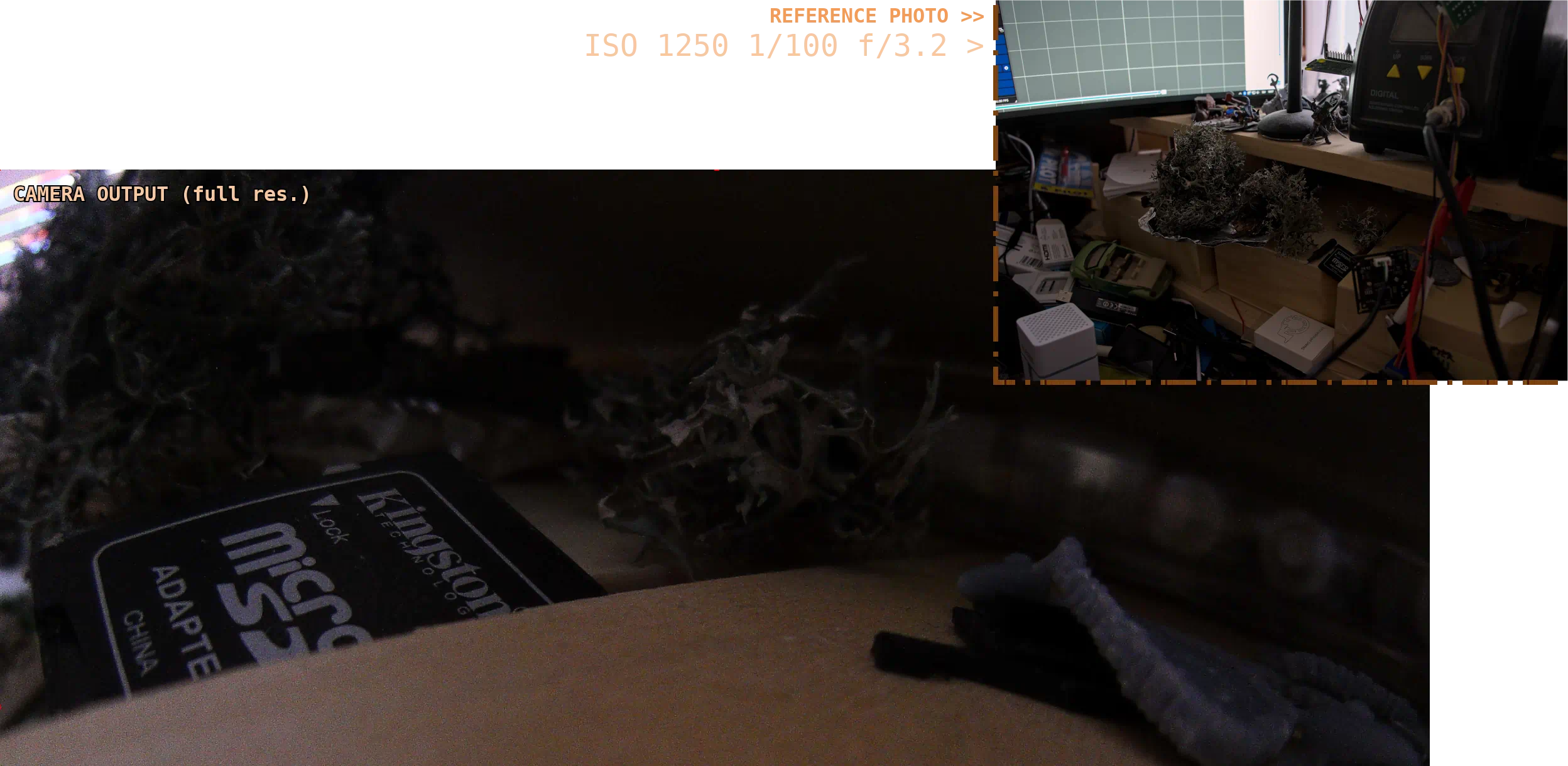
More worryingly, the camera has a strong bias towards exposing for the brightest thing in the shot. Do you a small but very bright (compared to the rest of the scene) object in your field of view? Camera will expose for it, even if it means underexposing the rest of the image.
I get that you can’t expect too much from a €35 camera, but eeeeh. I guess I need to mentally prepare myself to dealing with bullshit.
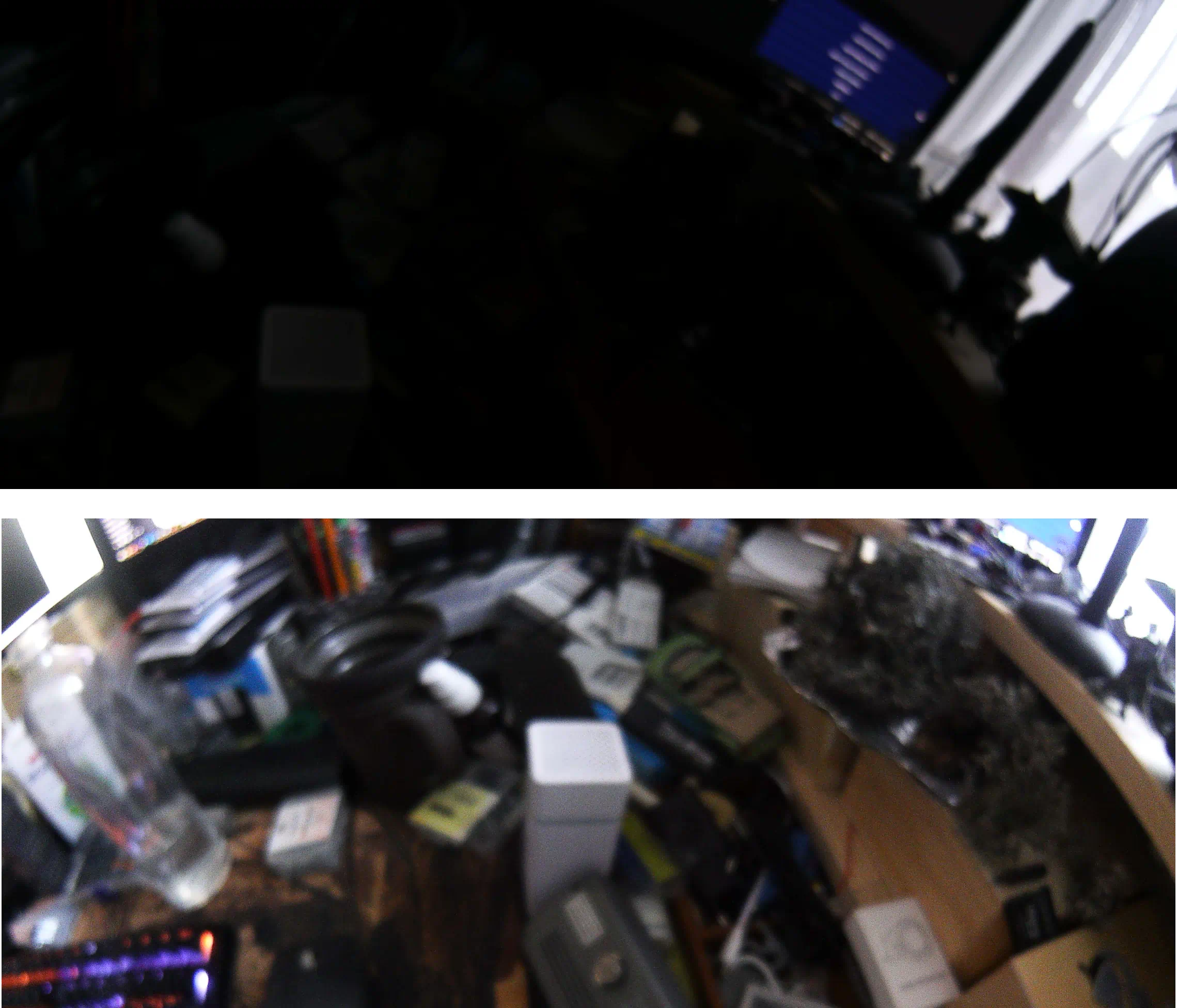
In low-light situations, the image also becomes extremely blurry, which is a shame. I get that I can’t really set my expectations sky-high for a €35 camera, but even at the edge of camera’s capabilities, ISO noise remains surprisingly low and had I had the option to trade bit higher ISO noise for faster shutter, I would. ISO noise isn’t that much of a concern for my usecase.
The primary camera (& the rest of the gang)
It took about another week for the rest of the cameras to arrive. Finally, I have my main and my rear-view cameras.
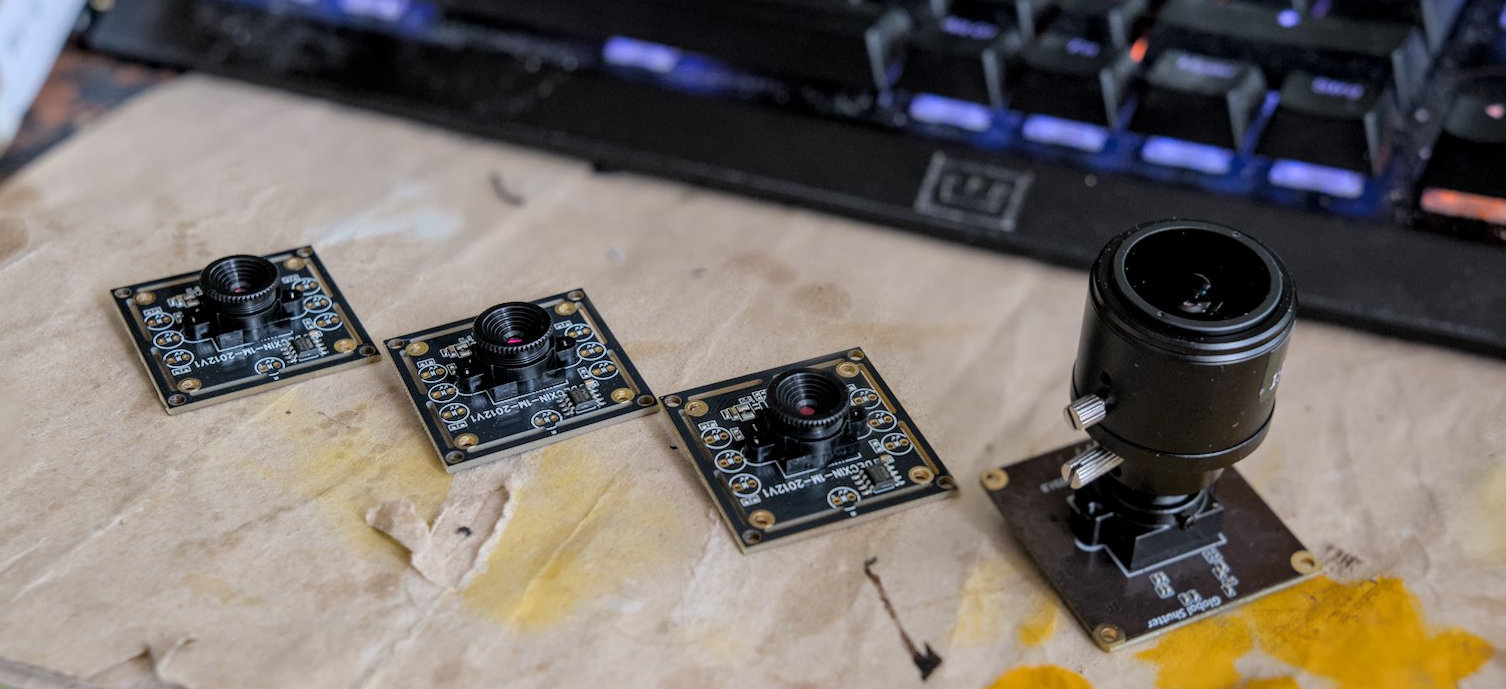
We’re not gonna go through the process of setting up each camera in OBS again, because it was more of the same, except for the part where framerates in the dropdown actually matched what was advertised. At least for the most part, the 90fps big boi only went up to 60 — but this probably had more to do with OBS settings/Windows (as I got the 90fps on Linux), so I didn’t investigate further for obvious reasons12reason being: this setup needs to run on my Steam Deck, I don’t care about Windows.
I then proceeded to do a quick side-by-side comparison using a layout that vaguely resembled
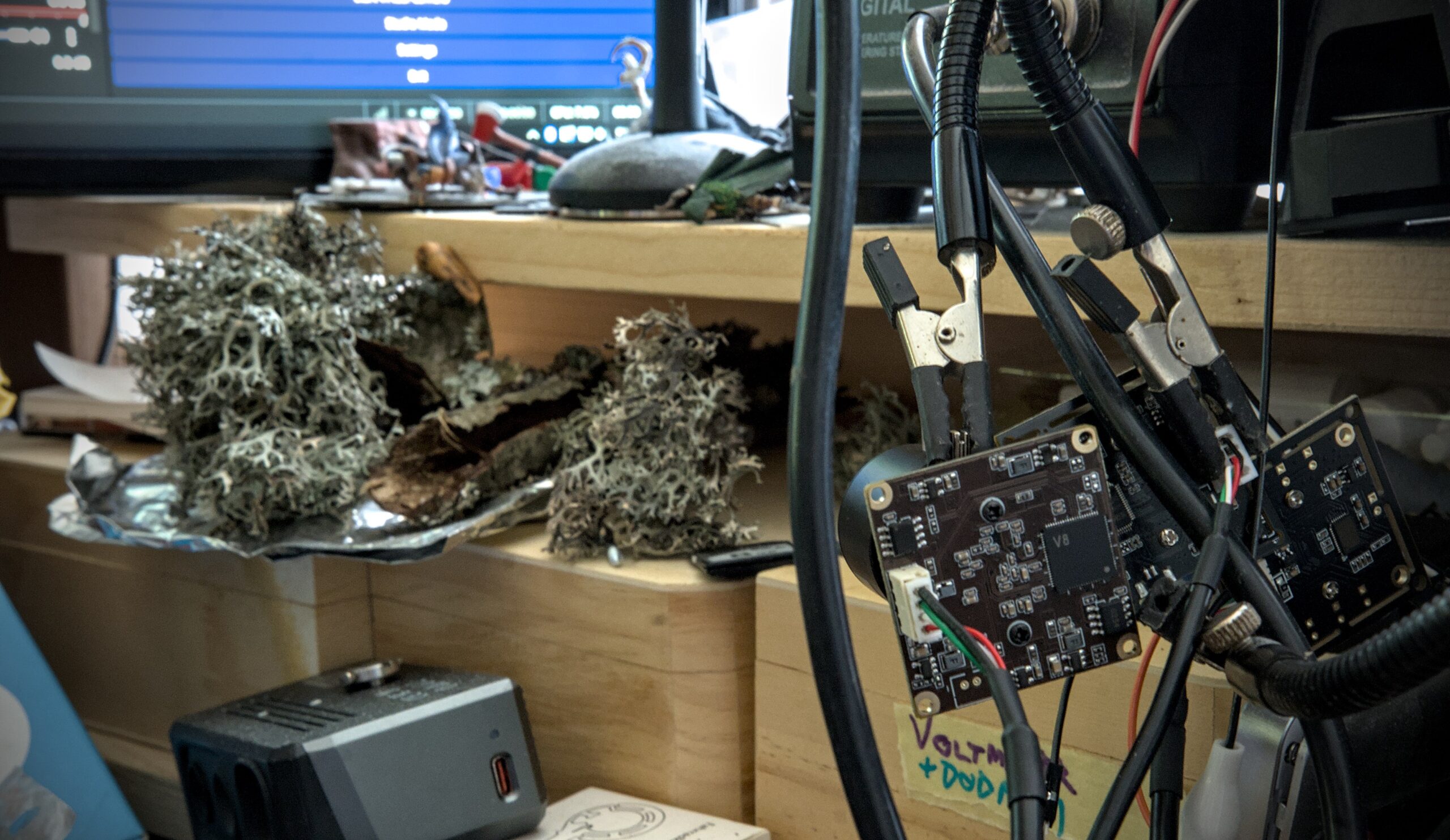
Here’s the setup:
Here’s the feed:
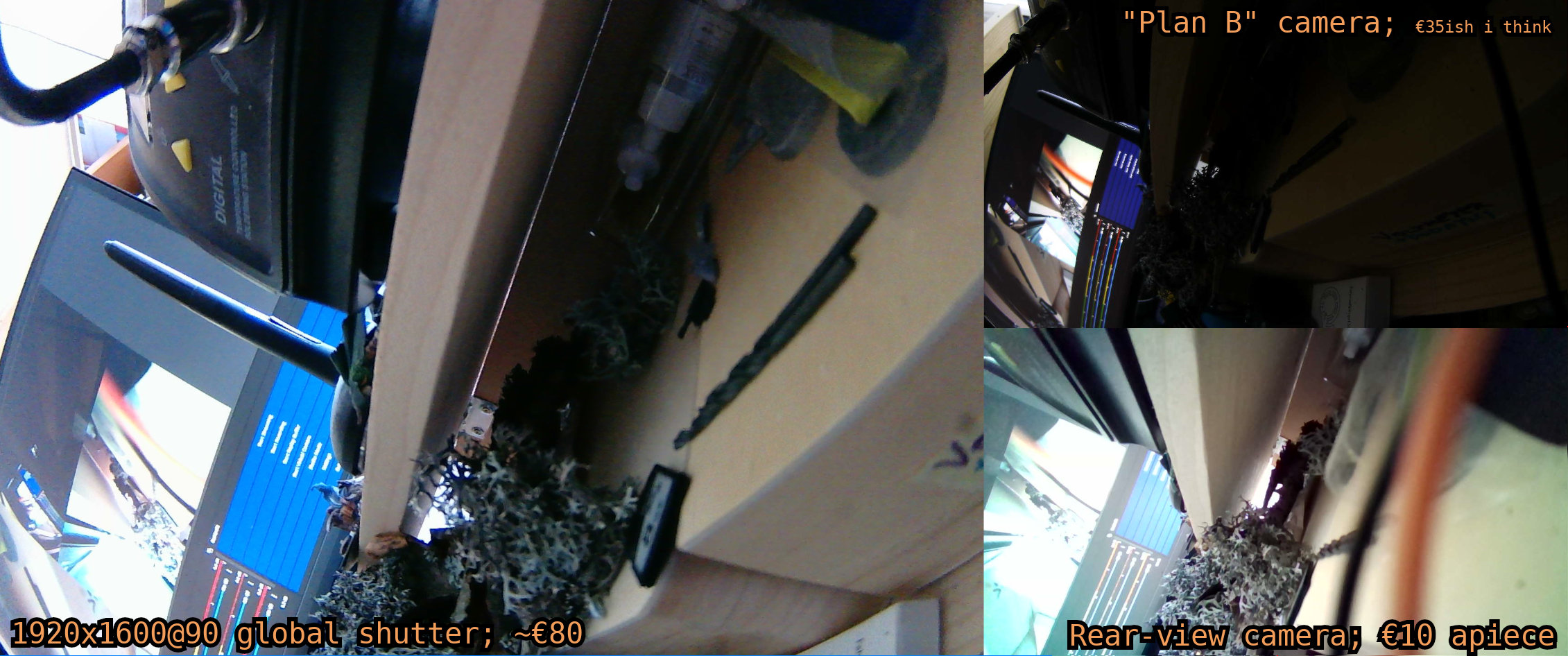
Granted, neither of those cameras will win any awards in image quality department, but our only requirement here is to be functional — and two out of three cameras are perfectly serviceable for our needs. Grainy image won’t kill us, and a single cast of “protection from good and evil” will render those chromatic aberrations harmless for the duration of the con.
However, testing things on my computer reveals a few problems. This setup isn’t very robust: if any of the cables becomes unplugged, the camera doesn’t come back up by itself once cable is re-plugged. You need to interact with the UI in order to bring cameras back online. For global shutter and cheapoExpress cameras, restarting OBS tends to be enough. Plan B camera is even a lot more finnicky than that — sometimes, it won’t come back automatically after you restart OBS. Instead, it seemingly requires a random combination of restarting OBS, deactivating and re-activating the camera within OBS, opening the settings dialog in OBS and switching one of the dropdowns to a different option and then back again, and/or doing another plug/unplug cycle.
I don’t like this.
But I can survive, especially if it’s only an issue with the secondary camera.
Setting up the Steam Deck
As stated before: this setup will have to run on a Steam Deck, not on my PC. So I unplugged the USB hub with the cameras from my PC and plugged it into the type C dock that’s plugged into my Steam deck. Then I opened OBS and tried to add all three cams to the scene. There was only one problem:
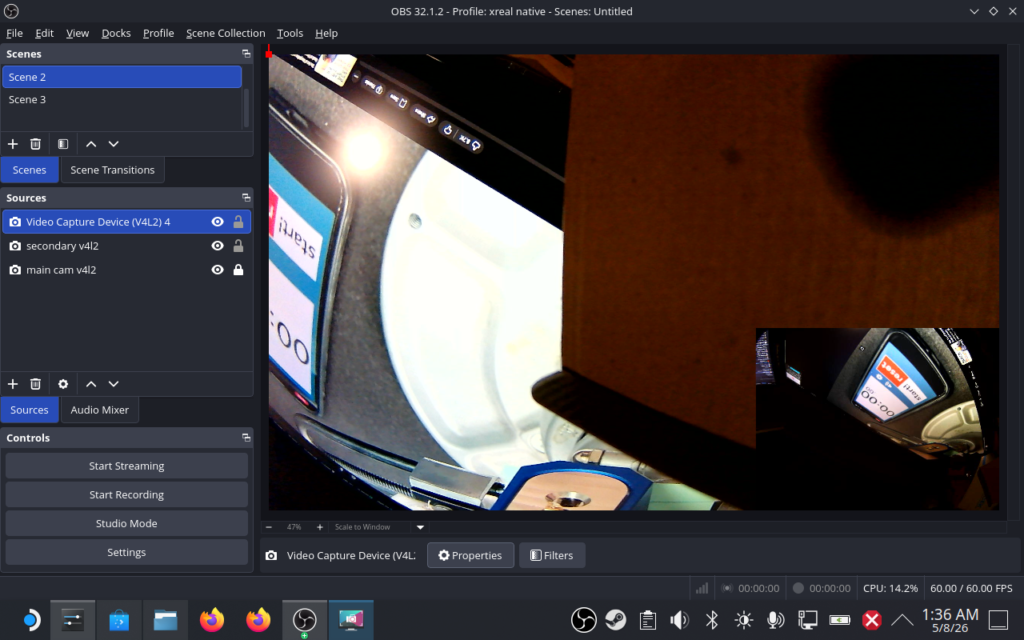
Only two cams. What gives?
That’s not a rhetorical question. Steam Deck gives you one type C port, and the spec sheet says said type C port is of the USB 3.2 Gen 2 variety. Supports DP alt mode at up to 8k60, or 4k120. My glases are 1920×1600@120, which shouldn’t come even close to maxxing out the bandwidth, leaving plenty of bandwidth for USB. The dock23it’s really just another USB hub, but this time also with USB PD and DP alt mode passthrough.
It’s not even a Linux issue, because if I unplug the type C dock from my Deck and plug it into Surface Pro 7, things don’t work on Windows as well. However, if I unplug the USB hub from the type C dock and insert it into surface’s type A USB port, cameras suddenly work. For a brief moment, this was enough for me to consider using Surface for my vision instead of the Steam Deck, as ill advised as it is34Surface Pro 7 thermal-throttles and lags the moment you look at it the wrong way, but the idea fell out of contention once I noticed the video latency is so atrocious you could measure it with a calendar. No really, if you moved the camera, it would take 10 business days before the movement appeared in OBS preview.
Ugh. That was another wasted afternoon.
Oh, and to make things worse — with the dock, it’s the cheapo €10 cameras that often outright refuses to work, if the main cam is active.
Oh well. I guess we’ll have to do with two cameras. In theory, I could get a raspberry pi and stream tertiary cam over the network, but given that much like everything computer-related, Raspberry Pi has roughly doubled in price since last year … I think I’ll just count my lucky stars that I got steam deck before price increases.